Search Fields Not Showing Results During Project or Contract Setup? Read This First.
Last updated: July 11, 2025
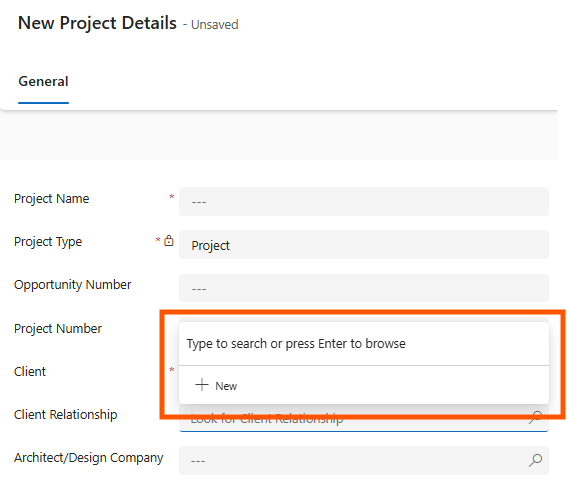
If you're typing into a field like “Client” or “Client Relationship” during Project Setup or Contract Setup and nothing is popping up—don’t worry, it’s not broken. You just need to press Enter to trigger the search.
Here’s how it works:
Click into the field (ex: “Client”)
Start typing your search term
Press Enter on your keyboard
✔ Matching results will then appear in the dropdown!
Pro tip: This applies to any searchable lookup field in FRCM—so if it’s not auto-suggesting, just hit Enter and the results will show up.
Still not seeing anything? Reach out to us at frcmsupport@firstrulecm.ai and we’ll take a look!