How to Submit Feedback
Last updated: October 2, 2025
We want your ideas! Here’s how to share feedback in First Rule:
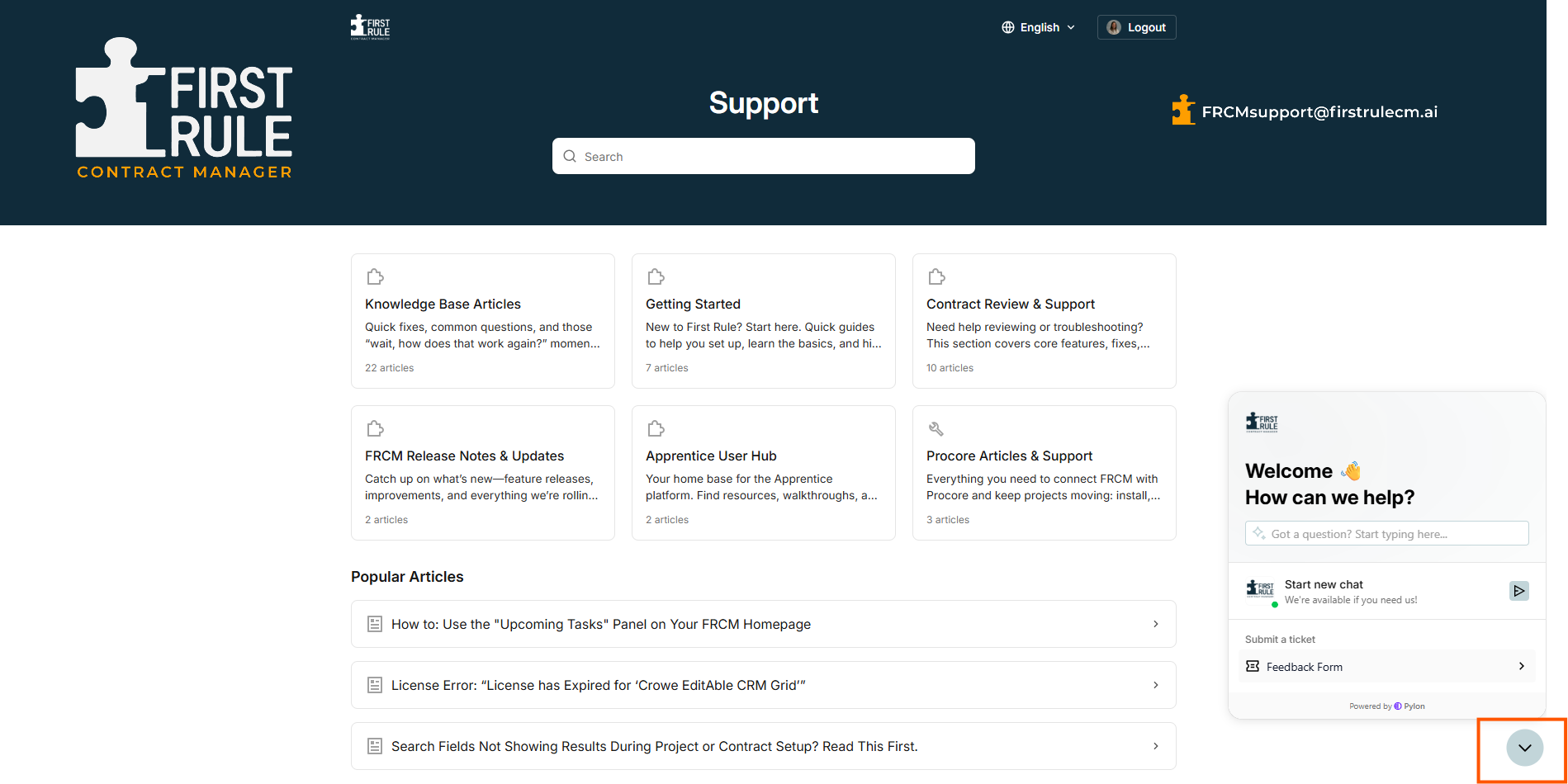
Go to our Support Portal.
On the right-hand side, select the blue circle button with an arrow in the middle.
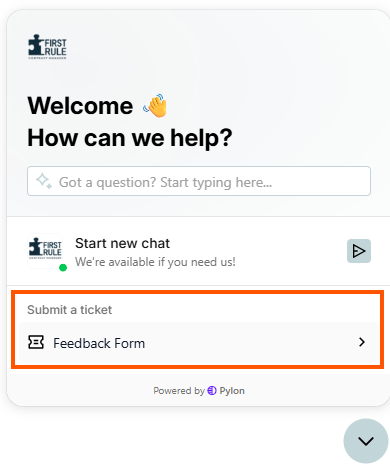
Press "Feedback Form"
Fill in the details (idea, problem it solves, impact) and hit Send Idea.
✅ You’ll get a confirmation email, and we’ll keep you updated as your idea moves from review to release.
That’s it! 🎉