How To: Adjust Term Risk Level
Last updated: June 10, 2025
This guide provides a straightforward process for adjusting term risk levels within the Contract Terms Review. By following the outlined steps, users can quickly navigate to the relevant section and make necessary adjustments, promoting better decision-making and compliance.
Navigate to your Contract Hub and select the contract you'd like to work on.
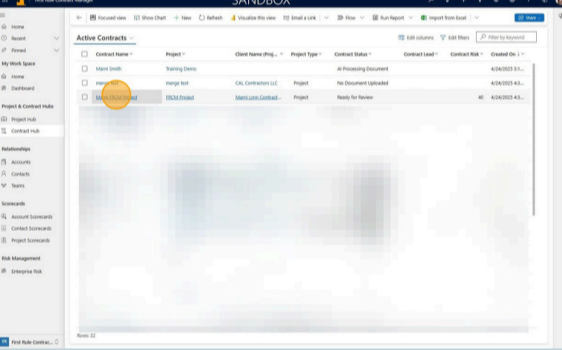
Click "Contract Terms Review"

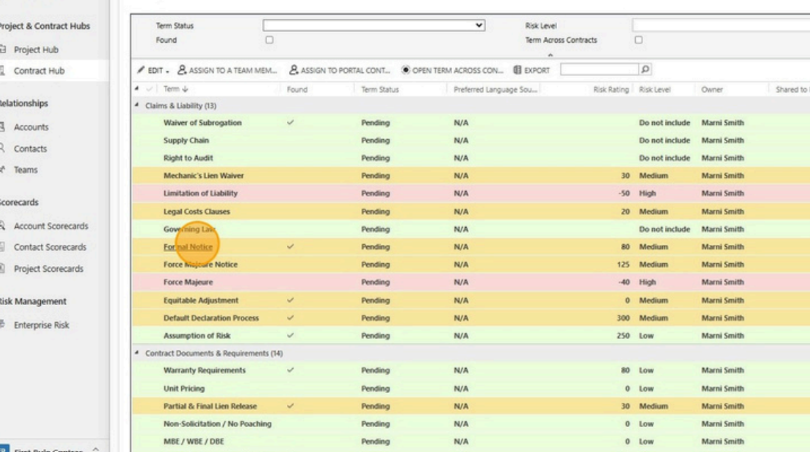
Click into any term you would like to change the risk level on.
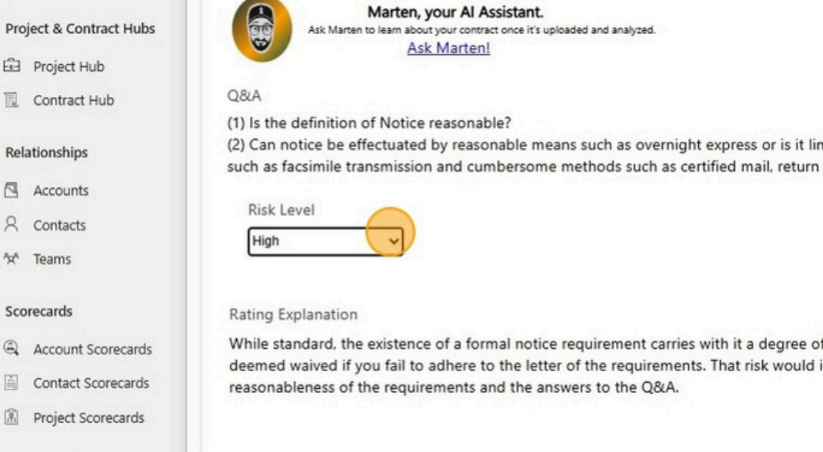
Select the drop-down menu and adjust as you see fit.
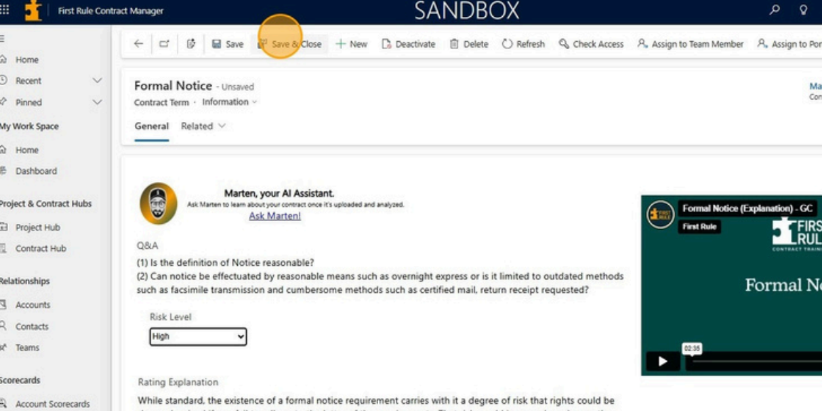
Click "Save & Close" and you're all set.