How To: Connect Contracts
Last updated: June 10, 2025
This guide provides a straightforward and efficient method to connect
contracts within the system. By following the step-by-step instructions, users
can quickly establish connections between contracts, enhancing their project
management capabilities.
Navigate to the Project Hub and select the project you want to work in.

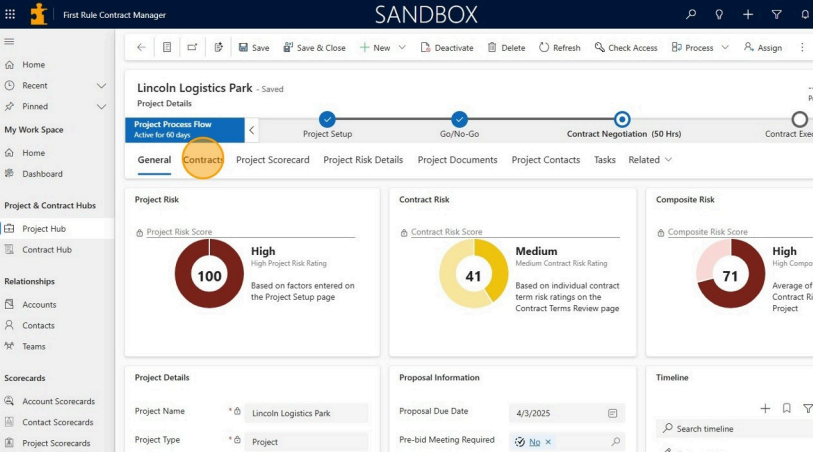
Click "Contracts"
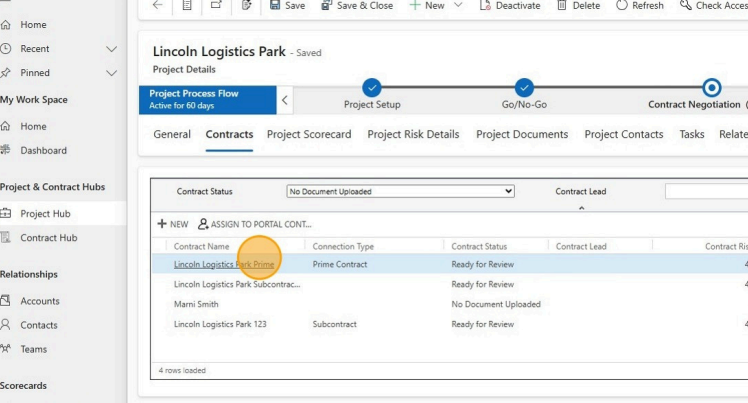
Select the Contract you'd like to initiate the connection
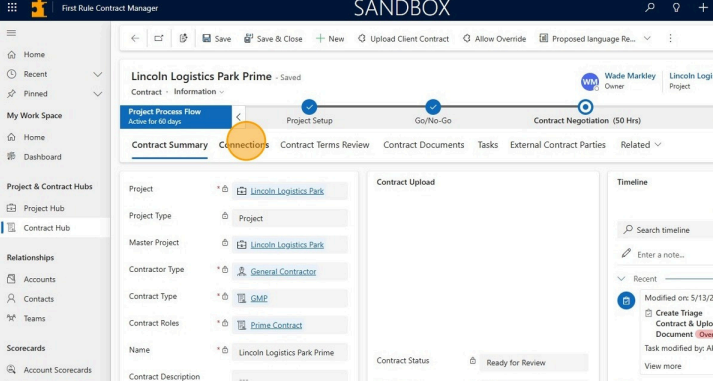
Click "Connections"
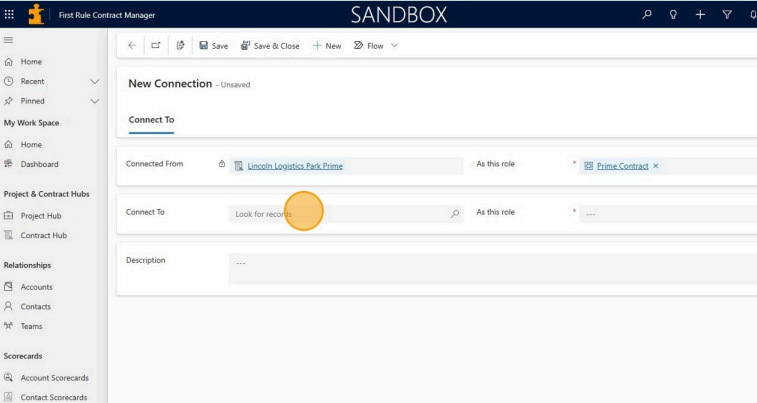
Click "New Connection"

Click the "Connect To" field and select the Contract you'd like to connect
Click "Save & Close"

You will now see the connection has been generated.
