How To: Delete Old Projects
Last updated: June 10, 2025
This guide provides straightforward instructions for deleting old projects, ensuring that your workspace remains organized and efficient. By following the steps outlined, users can easily navigate the system and manage their projects effectively.
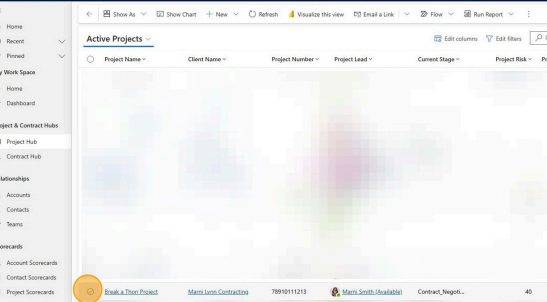
Go into your Project Hub and select the Project you wish to delete.
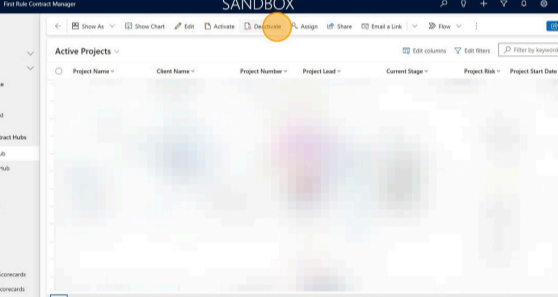
Click "Deactivate" at the top of your screen.
Confirm deactivation.
