How To: Adjust State Risk Levels
Last updated: June 10, 2025
This guide offers a step-by-step approach for configuring project risk settings
for states, ensuring that users can effectively manage and mitigate risks
within their projects.
Navigate to your Home Page
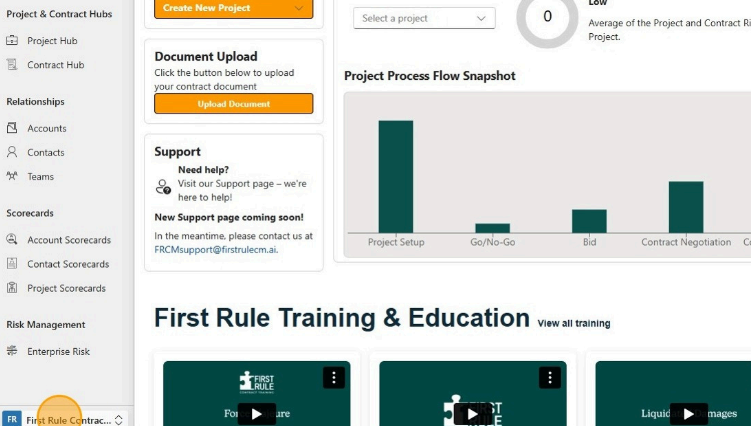
Click "First Rule Contract Manager" on the bottom left side of the
window.
Click "States"
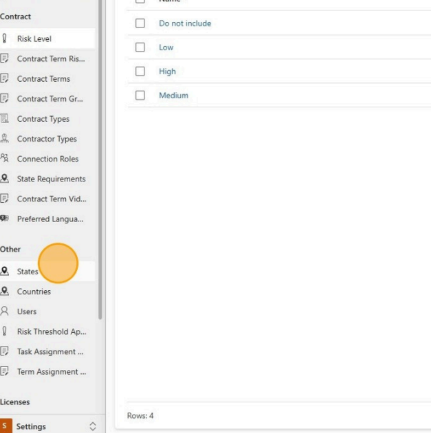
Select the state you would like to adjust.
Feel free to adjust the Risk Rating (1 - 100) and the weight (-5 through 5) as you see fit.
Click "Save & Close" when you are finished.